Ct-rc1us-19 Voice Remote
For Toshiba Tv With Primevideo Netflix Hbo Bvue Apps
USD $10.98
Condition : New
Free Shipping
{{variant_type_name}} :

Notify me when the price drops
We will email you if we find a lower price on this product!
New CT-RC1US-19 NS-RCFNA-19 Voice Remote For TOSHIBA/ Insignia Smart TV With Primevideo Netflix HBO Bvue APPS
Easy and full access to all the buttonsModel: CT-RCIUS-19 NS-RCFNA-19
43LF621C19 43LF621U19 49LF421C19CA 49LF421U19 50LED2160P 50LF621C19 50LF621U19 55LED2160P 2LF221U19 TF50A810U19 TF-50A810U19 43LF711U20 50LF711U20 55LF711U20 43LF421U1955LF621U19 65LF711U20 32LF221C19CA 43LED2160P 43LF421C19CA 55LF621C19 NS-50DF710NA21 NS-24DF310NA21NS24DF310NA19 NS39DF510NA19 NS-55DF710NA21 NS40DF710NA19 NS50DF710NA19 NS58DF620NA20 NS-55DF710NA19 NS-505DF710NA19 NS24DF310NA21 NS50DF710NA21 NS-24DF311SE21 NS-39DF310NA21 NS-43DF710NA19 NS24DF311SE21 NS39DF310NA21 NS43DF710NA19 NS55DF710NA19 NS55DF710NA21 NS505DF710NA19 NS-24DF310NA19 NS-39DF510NA19 NS-50DF710NA19 NS-58DF620NA20
Remote Pair tips:
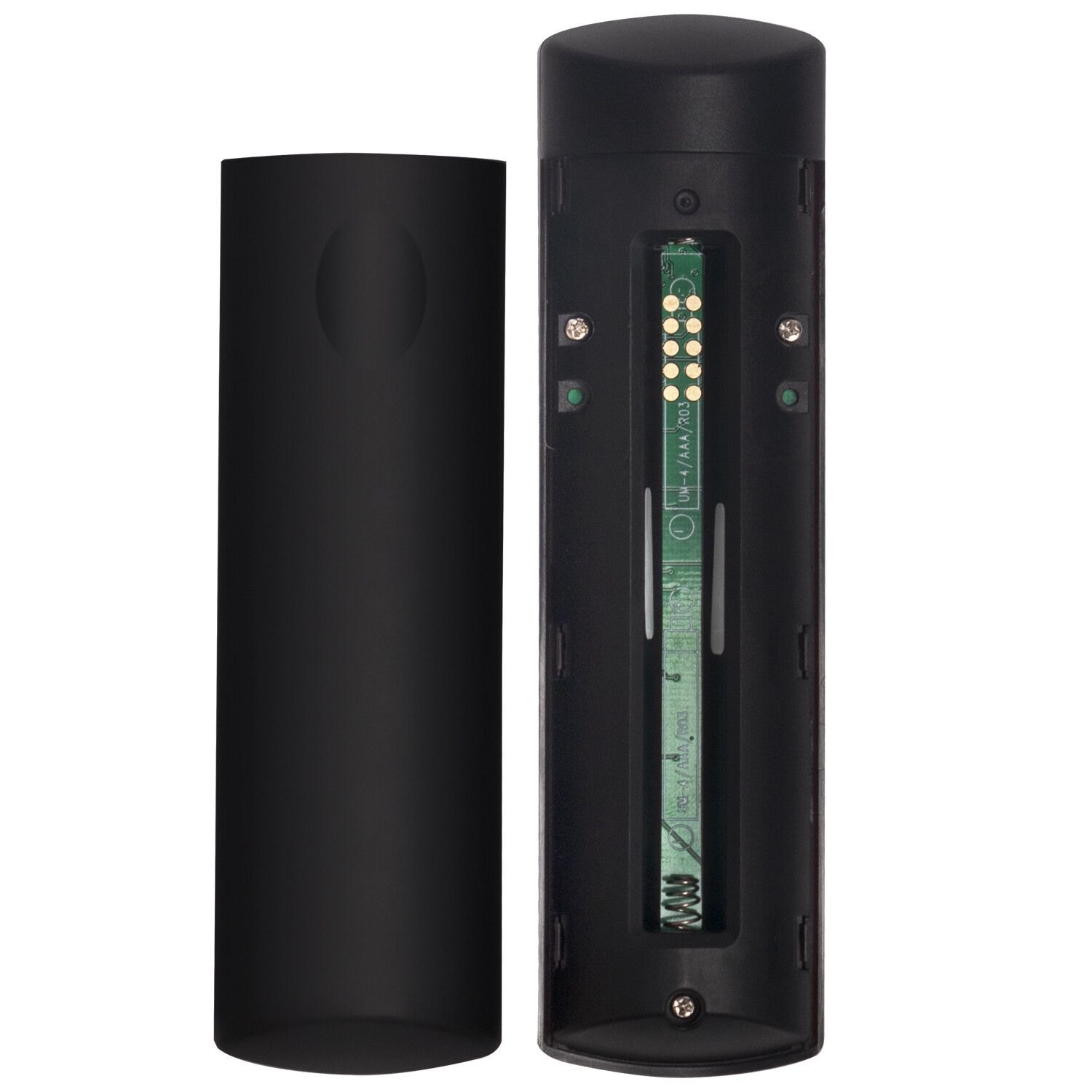
1 Plug the power cord into the back of your TV and a power outlet .2 Remove the remote control cover and install new alkaline batteries.3 Press power key on your remote.4.Press the Home button about 8-30 seconds until the TV screen show Paired sucess. If it is failed, you may have to Unplug the power to your device several times to pair it, (this will make it restart) but it should work fine, all remotes have been tested.5.If for some reason you can't get it work after many tries, please feel free to contact us.
Package Content:
Easy and full access to all the buttonsModel: CT-RCIUS-19 NS-RCFNA-19
- US Seller Faster shipping and excellent service
43LF621C19 43LF621U19 49LF421C19CA 49LF421U19 50LED2160P 50LF621C19 50LF621U19 55LED2160P 2LF221U19 TF50A810U19 TF-50A810U19 43LF711U20 50LF711U20 55LF711U20 43LF421U1955LF621U19 65LF711U20 32LF221C19CA 43LED2160P 43LF421C19CA 55LF621C19 NS-50DF710NA21 NS-24DF310NA21NS24DF310NA19 NS39DF510NA19 NS-55DF710NA21 NS40DF710NA19 NS50DF710NA19 NS58DF620NA20 NS-55DF710NA19 NS-505DF710NA19 NS24DF310NA21 NS50DF710NA21 NS-24DF311SE21 NS-39DF310NA21 NS-43DF710NA19 NS24DF311SE21 NS39DF310NA21 NS43DF710NA19 NS55DF710NA19 NS55DF710NA21 NS505DF710NA19 NS-24DF310NA19 NS-39DF510NA19 NS-50DF710NA19 NS-58DF620NA20
Remote Pair tips:
1 Plug the power cord into the back of your TV and a power outlet .2 Remove the remote control cover and install new alkaline batteries.3 Press power key on your remote.4.Press the Home button about 8-30 seconds until the TV screen show Paired sucess. If it is failed, you may have to Unplug the power to your device several times to pair it, (this will make it restart) but it should work fine, all remotes have been tested.5.If for some reason you can't get it work after many tries, please feel free to contact us.
Package Content:
- 1 x Remote Control
- Requires 2 x AAA Alkaline Battery
- If you have any problem with the remote control, please let us know before leaving feedback, we will do our best to solve it.
Price type
IN STOCK
OUT STOCK






 .
